
Start here: what matters to you?
You’re shopping for simplicity and style, not a tangle of cables and guesswork. Think about how you’ll actually use the machine: everyday browsing, content creation, or a tidy workstation for a small office. If you’re hunting deals, check current all in one computer deals to compare prices and bundled options before you pick a model. Keep the focus on fit — not the flashiest spec sheet.

Core priorities for first-time buyers
Pick the screen size that matches your desk and eyesight; 24–27″ is the sweet spot for most. Choose a processor and RAM based on tasks: Intel i5 / Ryzen 5 with 8–16GB RAM covers productivity and light photo work. Prefer SSD storage for snappy responsiveness. Check ports: at least two USB-A, one USB-C, HDMI out or in if you want external displays, and an Ethernet jack for stable connections. Confirm dust access and serviceability — replaceable storage or memory extends usable life.
What buyers typically regret
They skimp on ports and future proofing. They assume thin design equals performance. They ignore webcam quality and microphone pickup for remote calls. They forget to test keyboard feel and monitor tilt in person. Avoid models with permanently soldered RAM if you plan to keep the PC beyond three years. Simple choices now save frustration later.
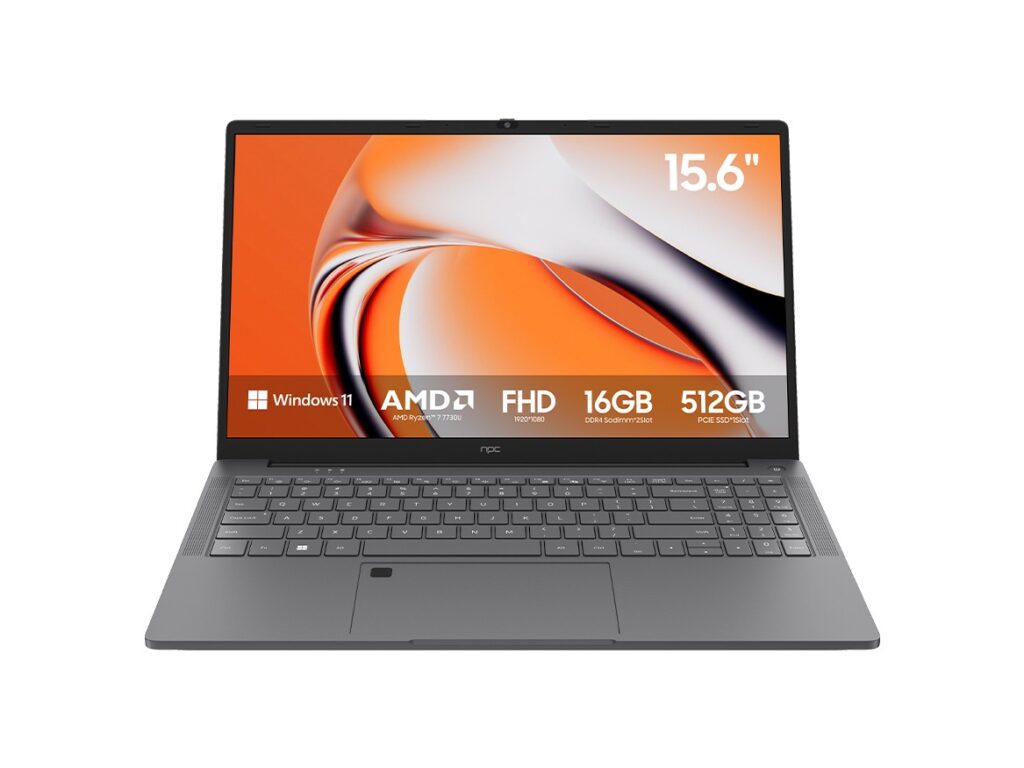
When business needs change the decision
Corporate buyers value manageability, security, and longevity. After major showcases like CES 2023 highlighted business-class designs, manufacturers leaned into integrated features such as TPM modules and vPro alternatives for IT teams. For office deployments where reliability and warranties matter, consider a tested all in one business pc that offers predictable support and spare-part availability.
Viable alternatives and trade-offs
If you need ultimate flexibility, a mini PC plus a monitor lets you upgrade components independently. A laptop handles mobility better but trades desk ergonomics. Traditional desktops win on upgrade potential and cooling. Match the form factor to the lifespan you expect: short-term convenience points to all-in-one; long-term scalability points to modular systems.
Decision checklist you can use right now
1) Confirm daily tasks and prioritize CPU/RAM accordingly. 2) Try the display and webcam in person when possible. 3) Verify port layout for your peripherals. 4) Check warranty length and service options. 5) Compare actual real-world reviews for thermal performance, not just benchmark numbers. These five checks cut through marketing noise and get you a machine that works for you.
Summing it up
Choose what fits your routine, not what impresses strangers. A balanced spec sheet plus sensible support beats flashy extras every time; that clarity is why many buyers reference manufacturer spec pages and user reports from sources like npc when finalizing a purchase. Pick a model you can live with — and keep it simple.